
Clear Steps
Easy to follow process

Guide & Help Center
Use this independent guide to compare links, then follow your chosen platform's ordering, QC, and delivery process.
Easy to follow process

Compare details before ordering

Ask the service handling your order

Check listings, prices, and policies
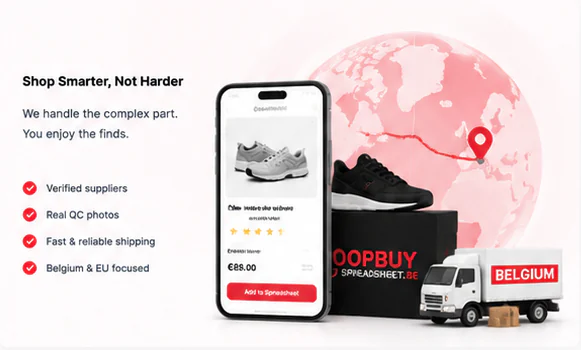
From research to delivery, responsibility passes to the external service you choose.

Use categories and product references to begin your research.

Follow the link and confirm the seller, product, price, and availability.

The external platform or agent processes your account, payment, and order.

Your chosen agent or seller may provide images for inspection before shipment.

Select a route with the external provider that stores and ships your parcel.

Use the platform or carrier tracking and contact them about order-specific issues.
Make your experience smoother and better.

Always review QC photos carefully before confirming your order.

Compare seller measurements with an item you own; sizing can vary by listing.

Order, payment, QC, and shipping questions belong with the service handling the transaction.

Share your favorite finds with friends and save together.
Browse organized references, compare the destination's terms, and decide carefully before ordering.